Lifetime Subscription
Microsoft Office Application Suite
Unlock the full power of Microsoft Office with a 100% genuine lifetime license — including Word, Excel, PowerPoint, Outlook, and more. Perfect for businesses, SMEs, and individuals who want reliable productivity tools without recurring costs. One-time payment, permanent access. Simple, secure, and budget-friendly.
Unlock the Power of Microsoft Office Suite
Genuine Lifetime License – Pay Once, Use Forever
Empower your business with the full Microsoft Office suite — including Word, Excel, PowerPoint, Outlook, and more — backed by a 100% authentic lifetime license. No renewals, no hidden fees. Just seamless productivity, long-term savings, and the tools you need to drive success and growth.

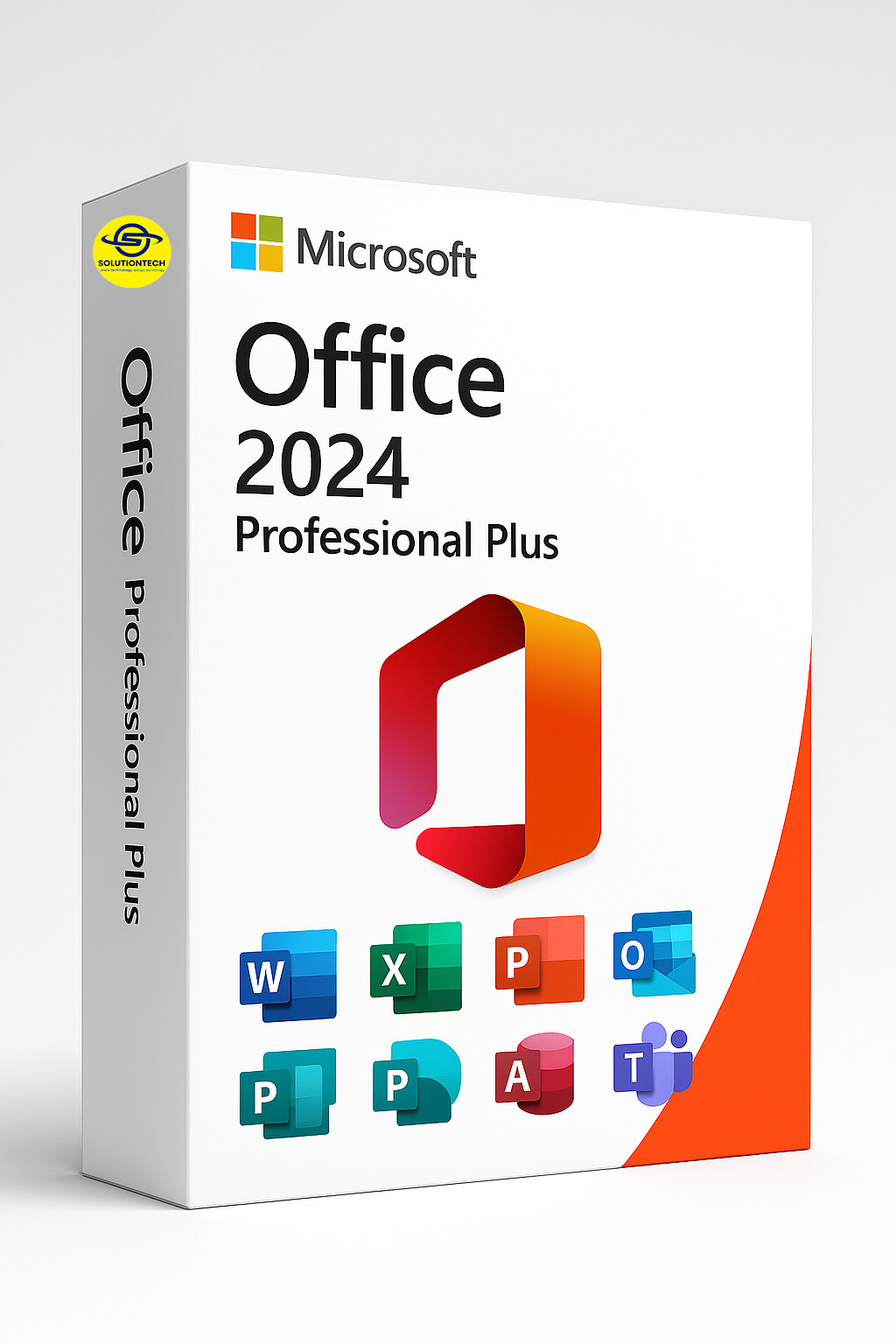
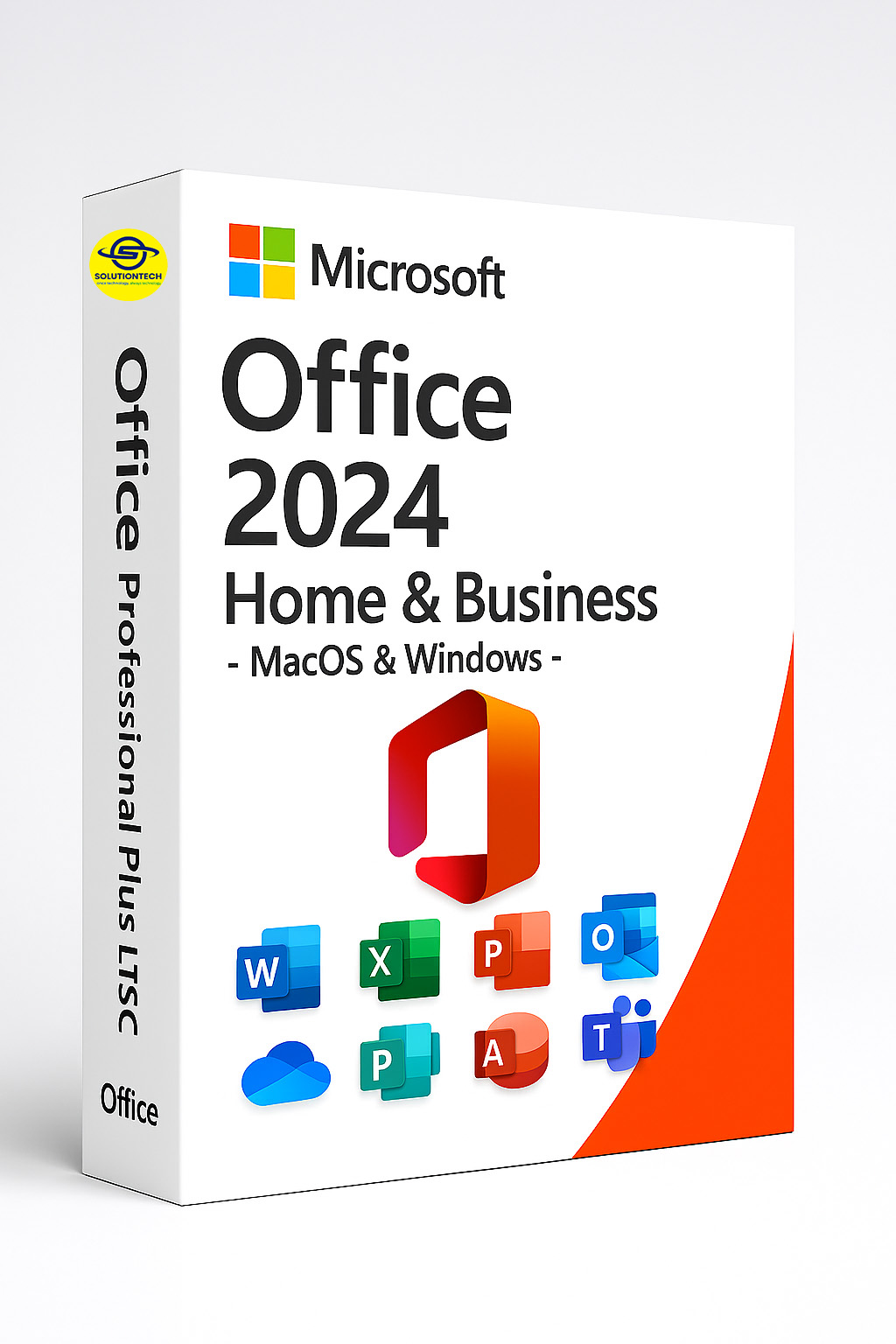
Microsoft
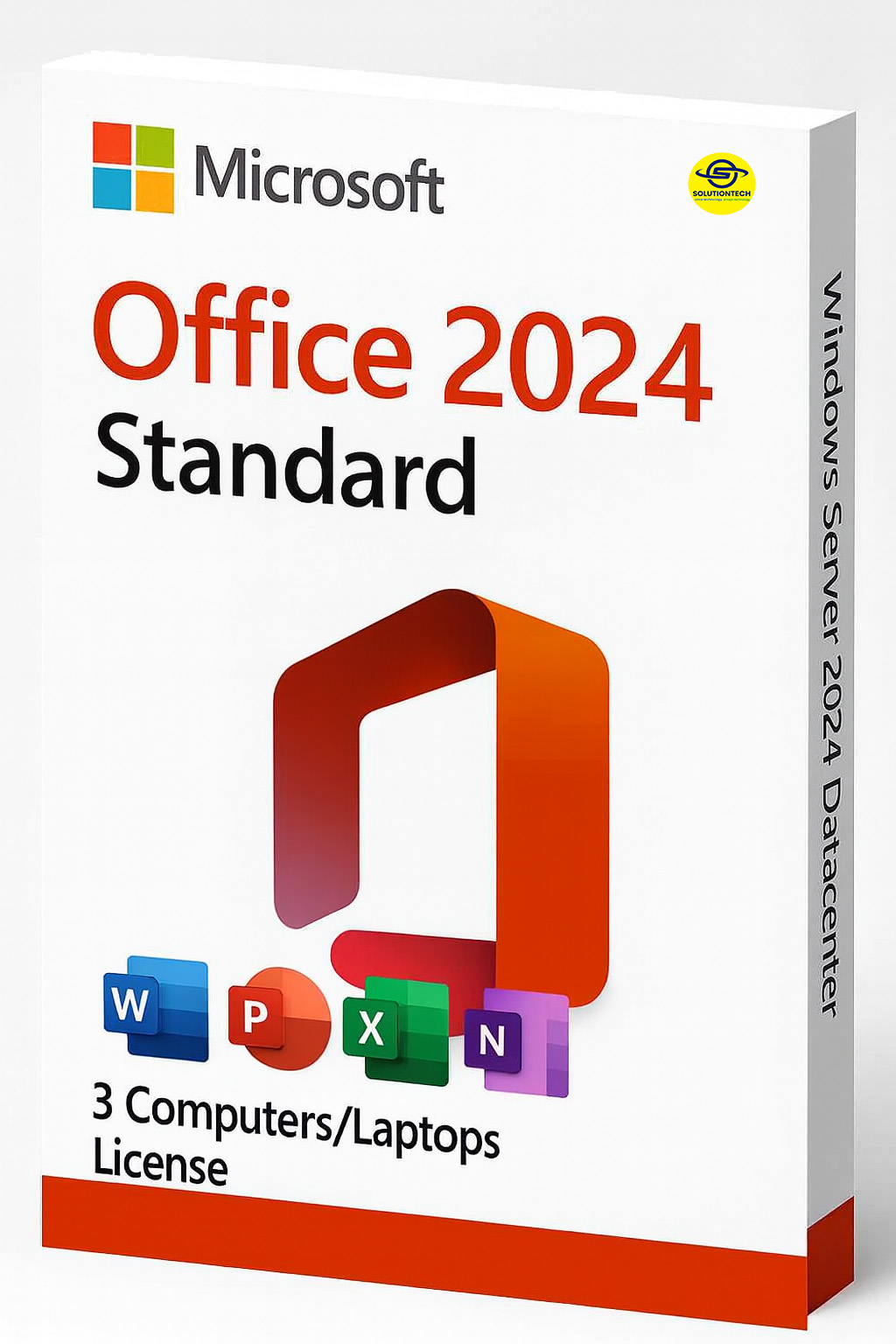
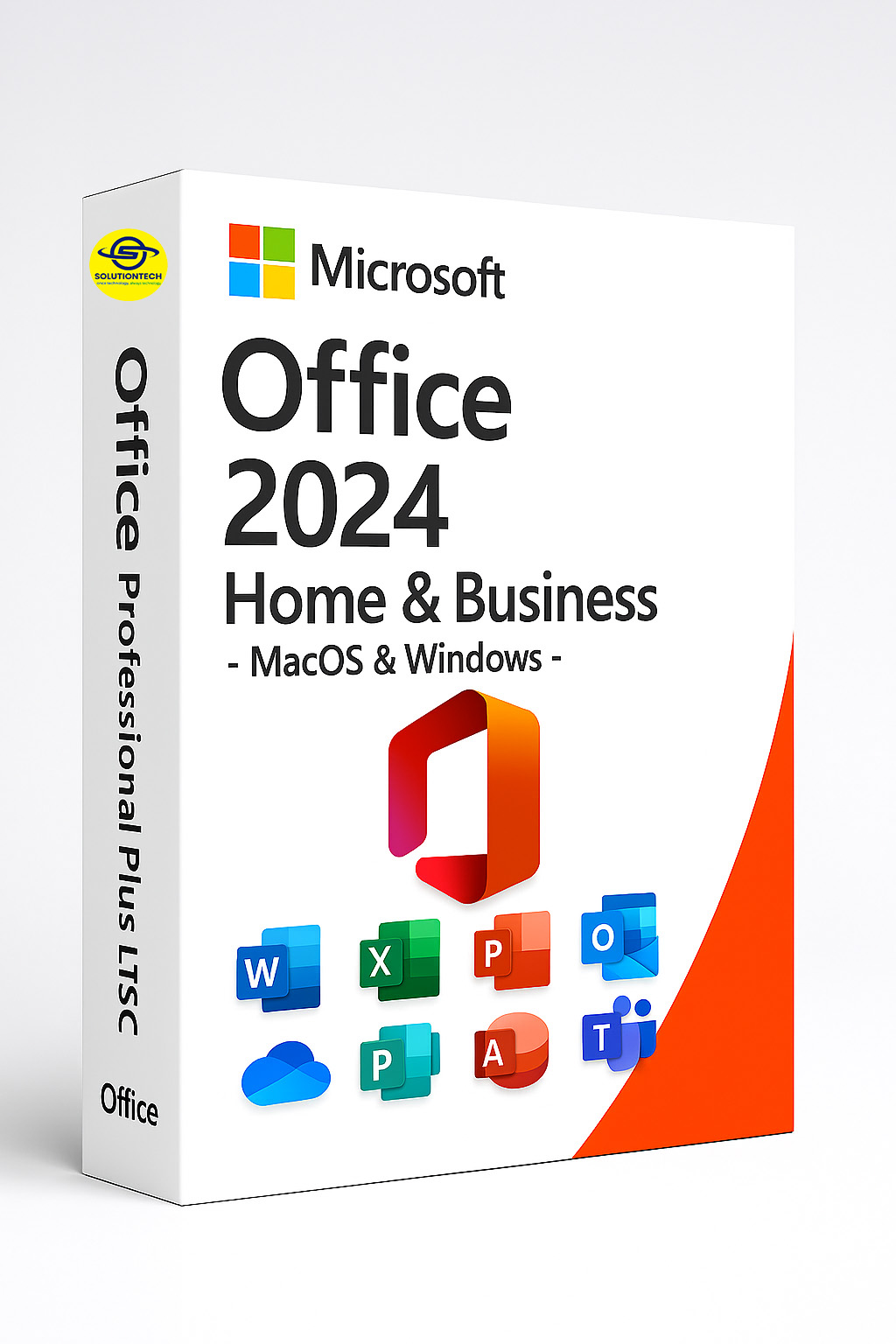
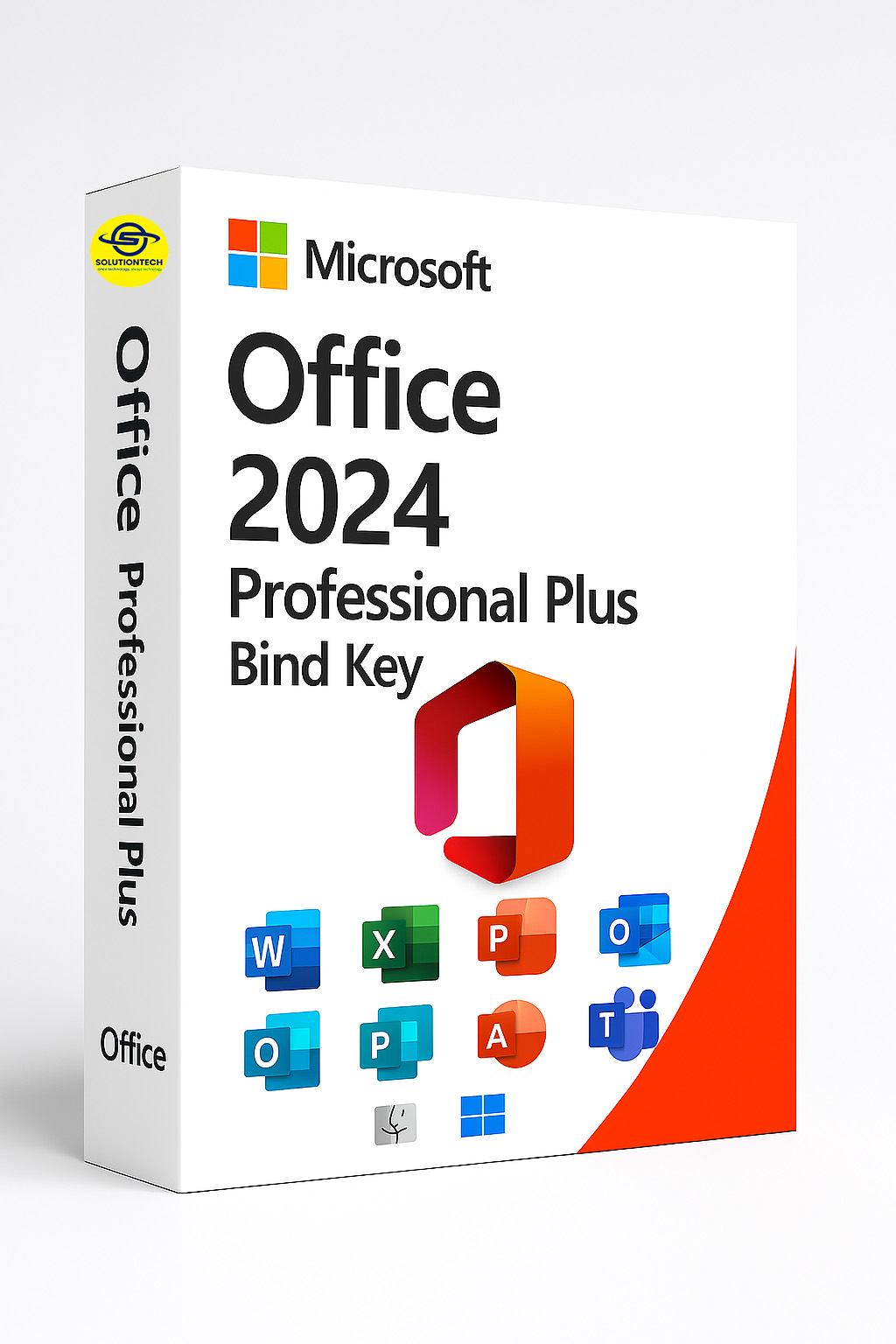
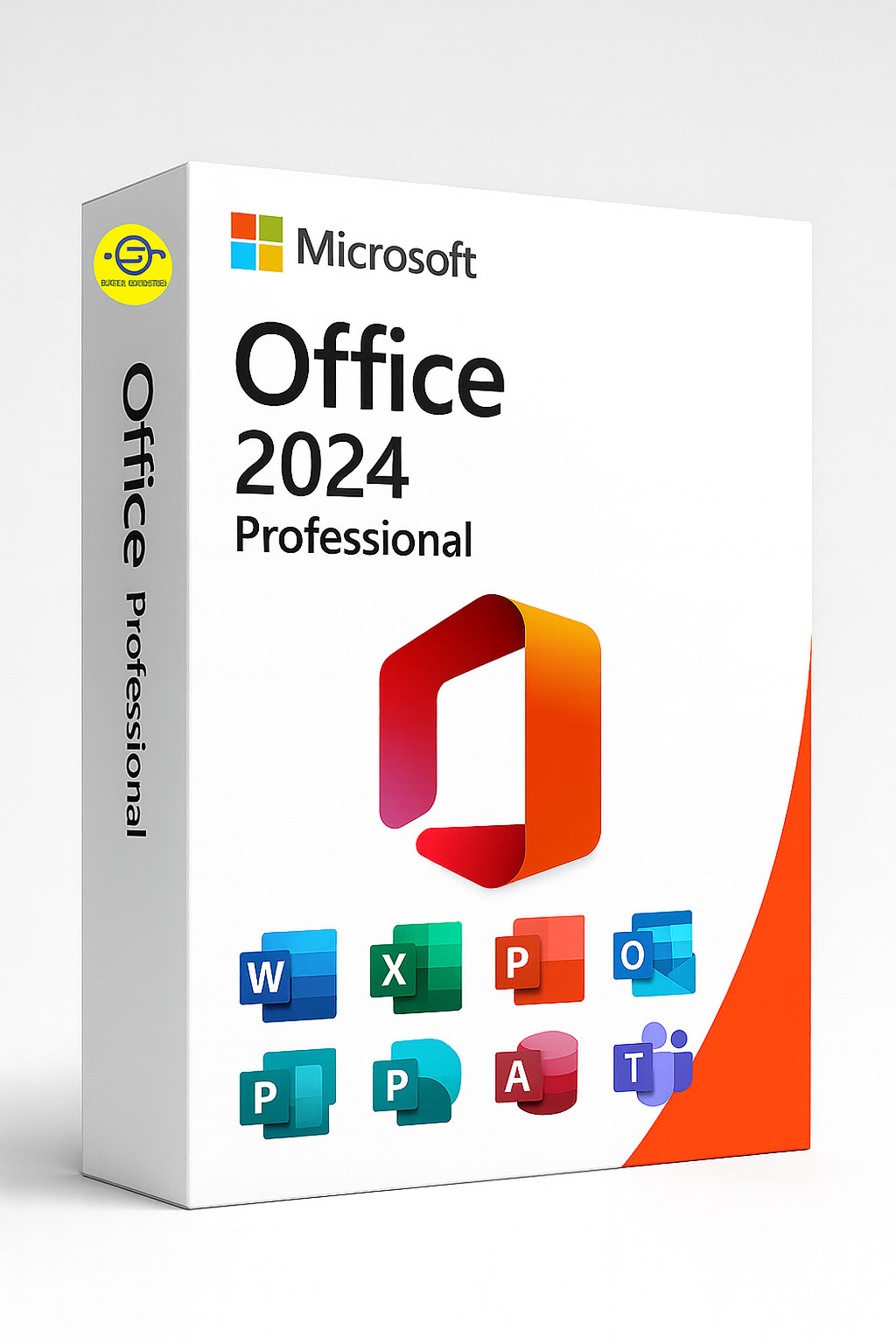
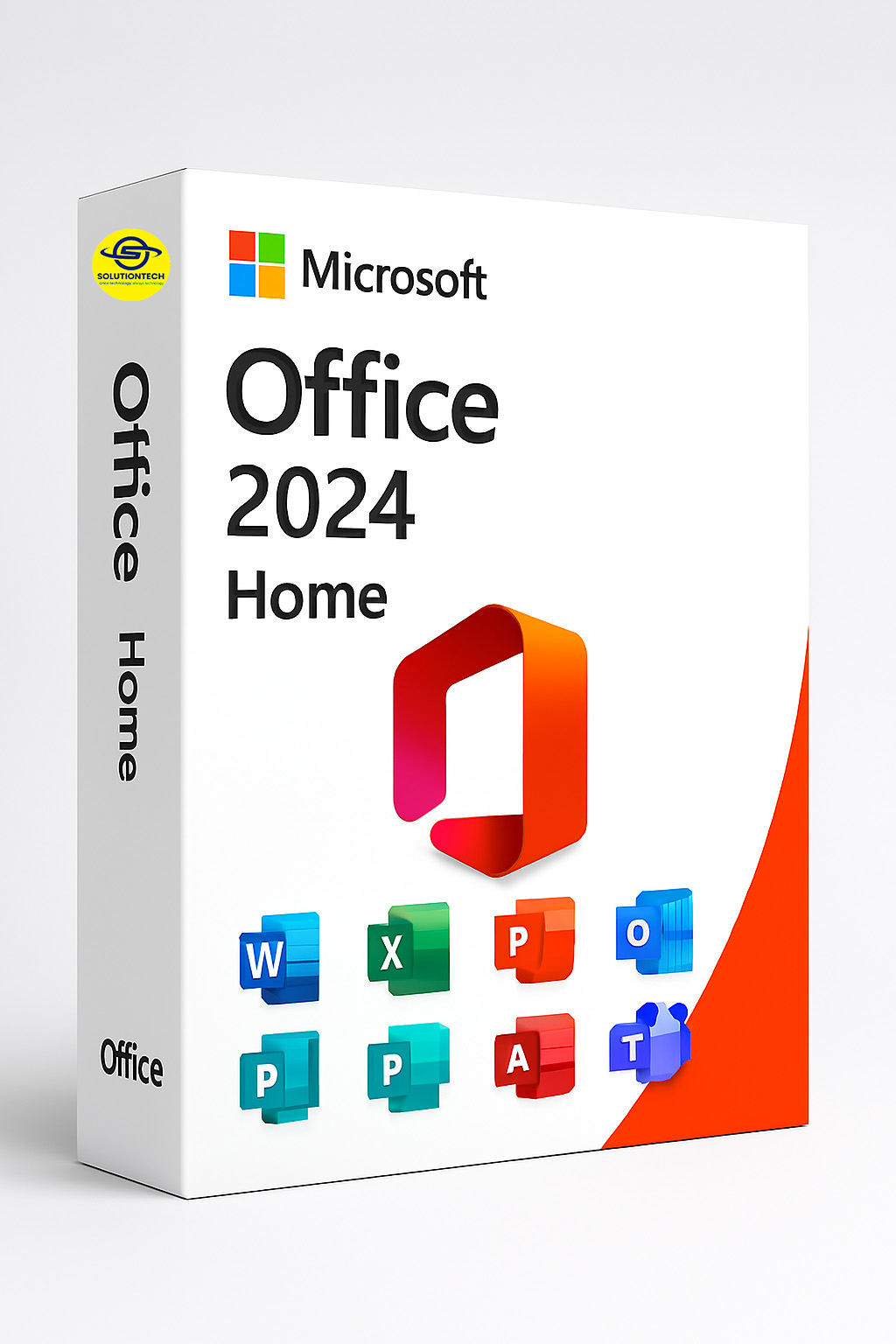
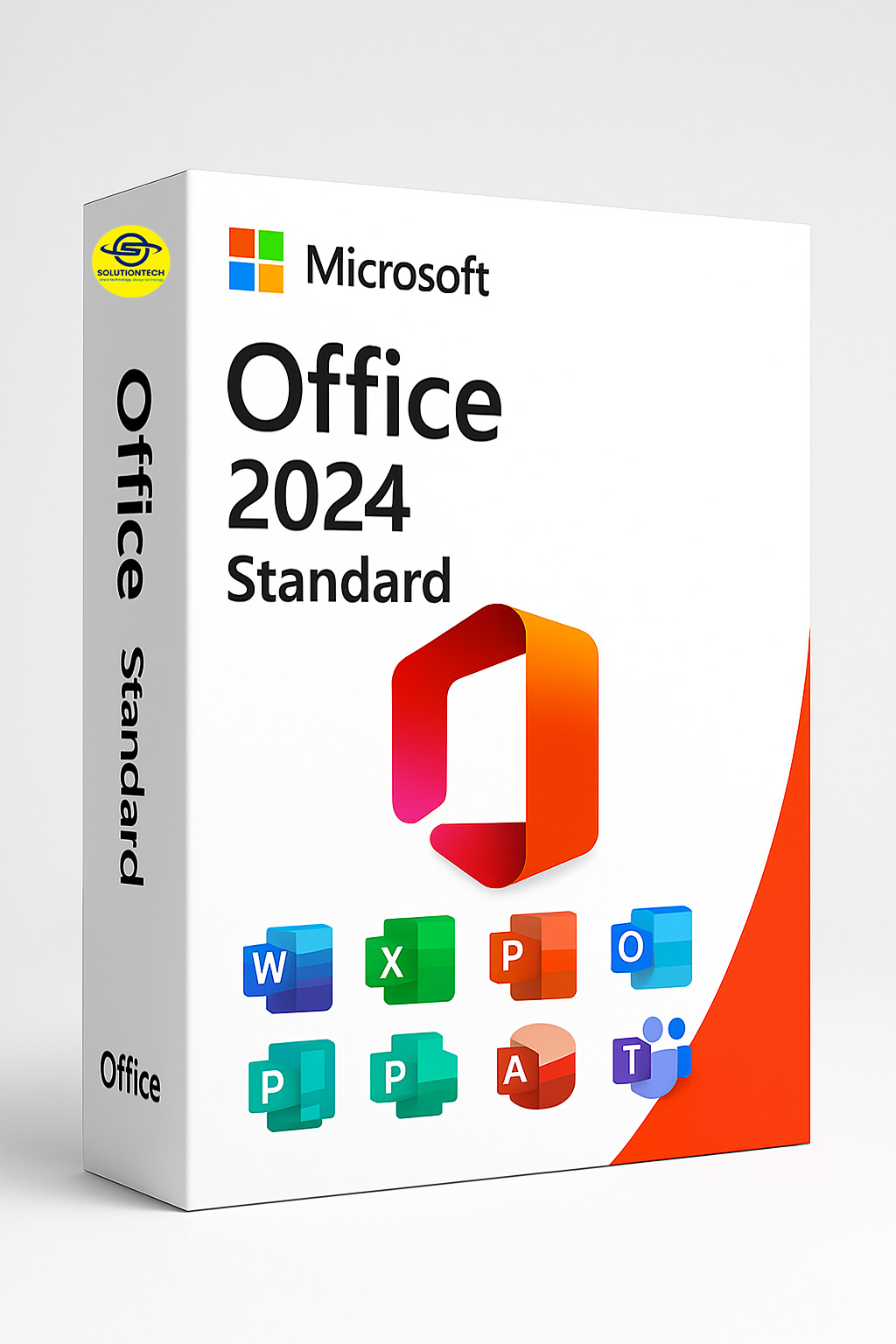
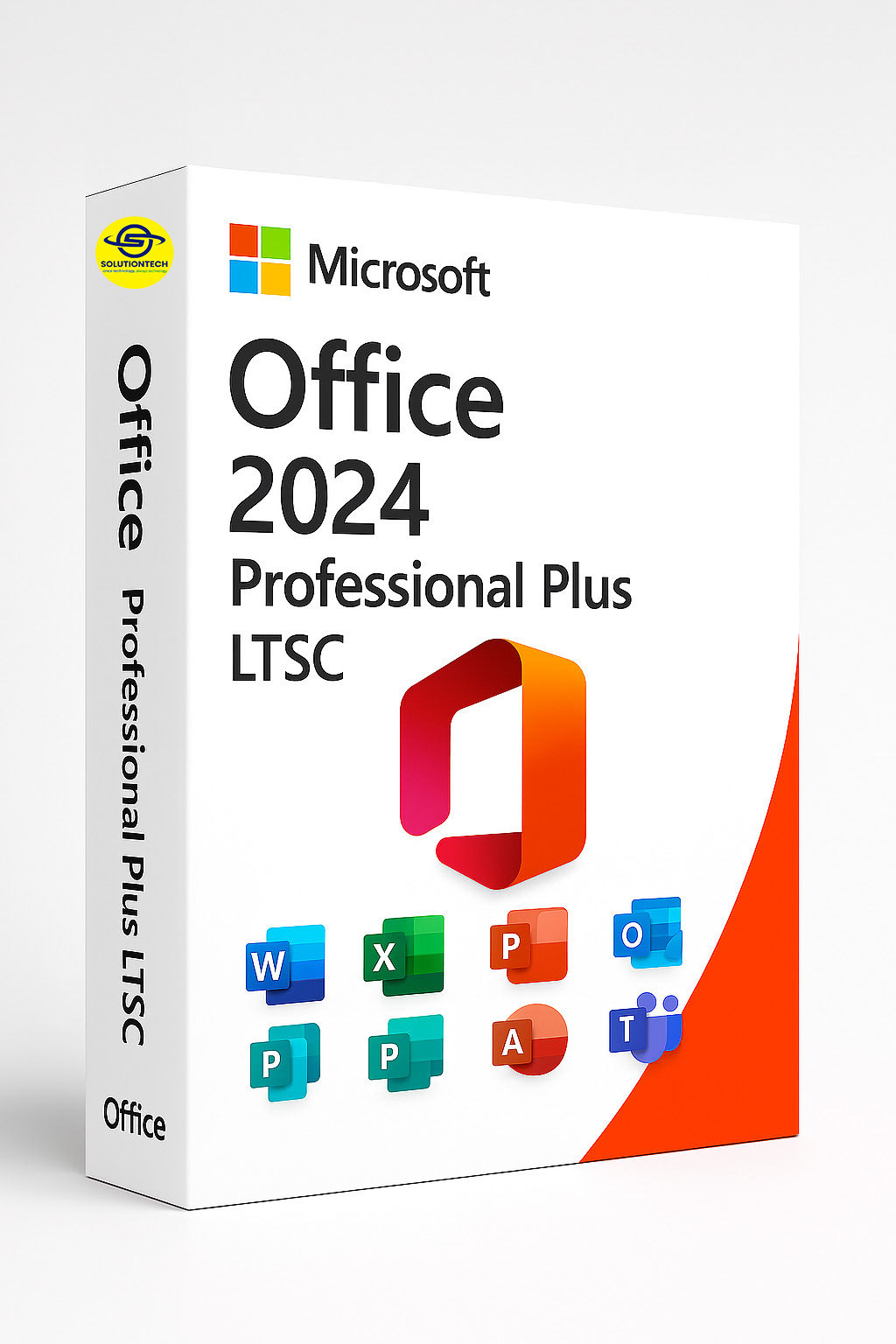
Office 2024
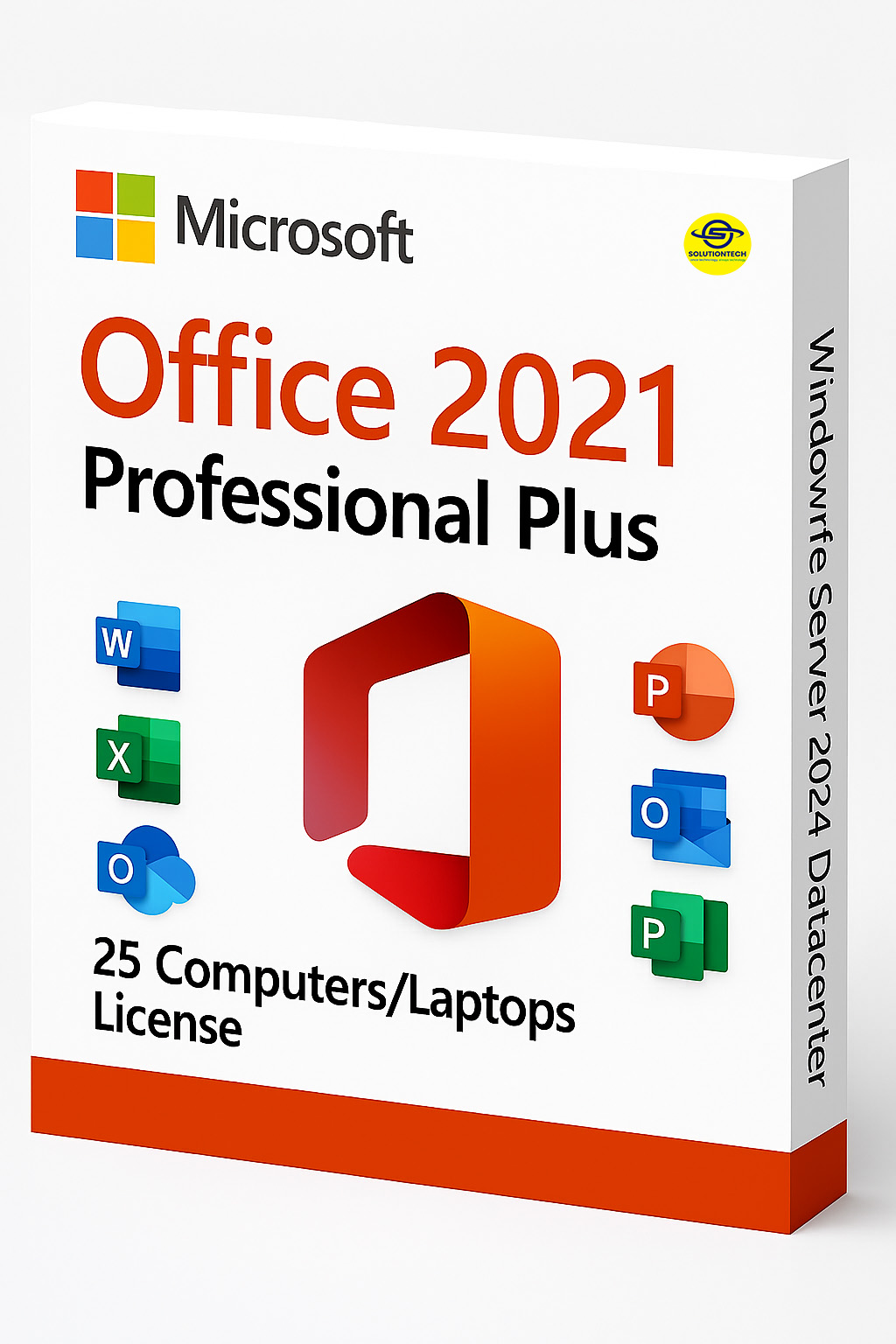
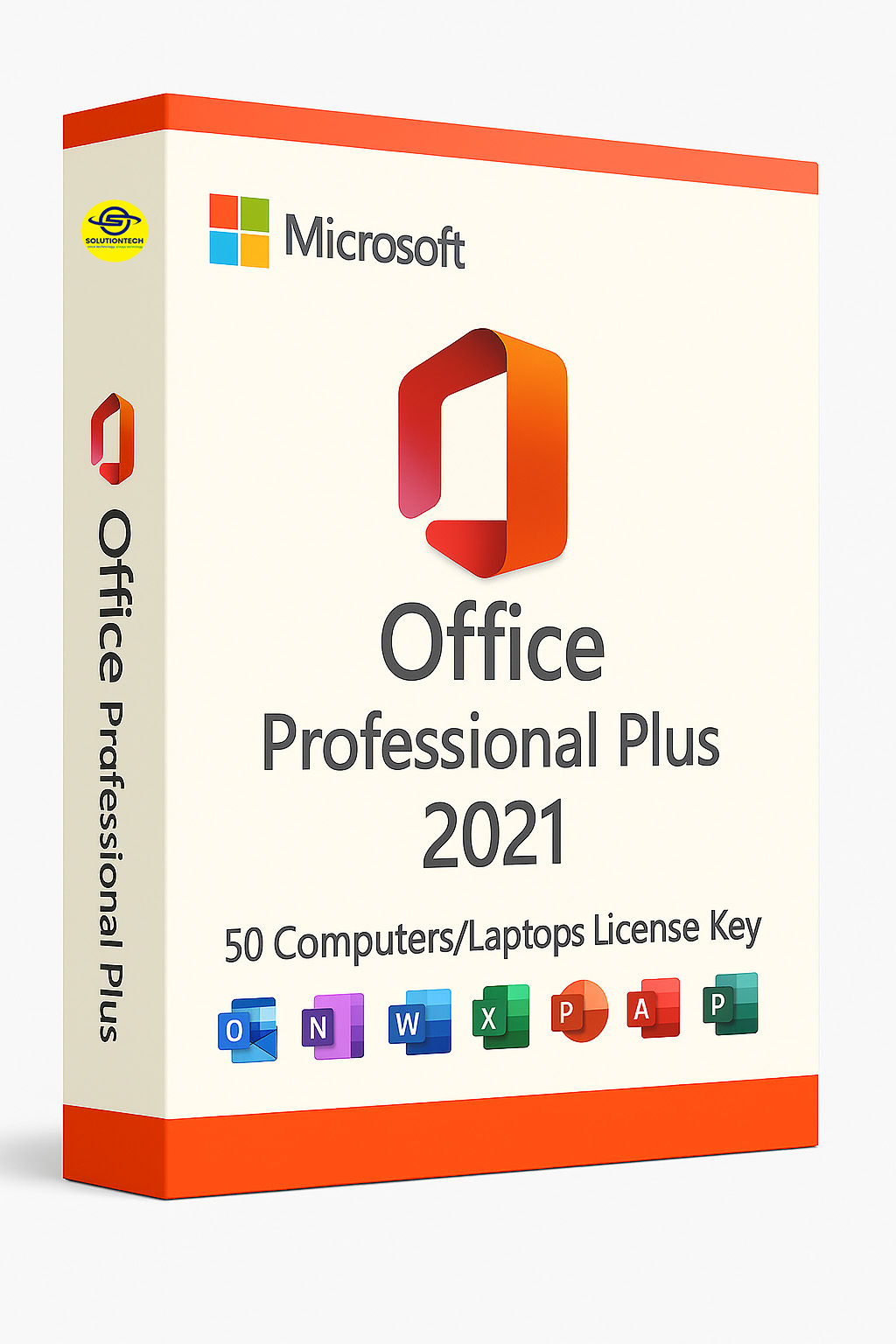
Microsoft
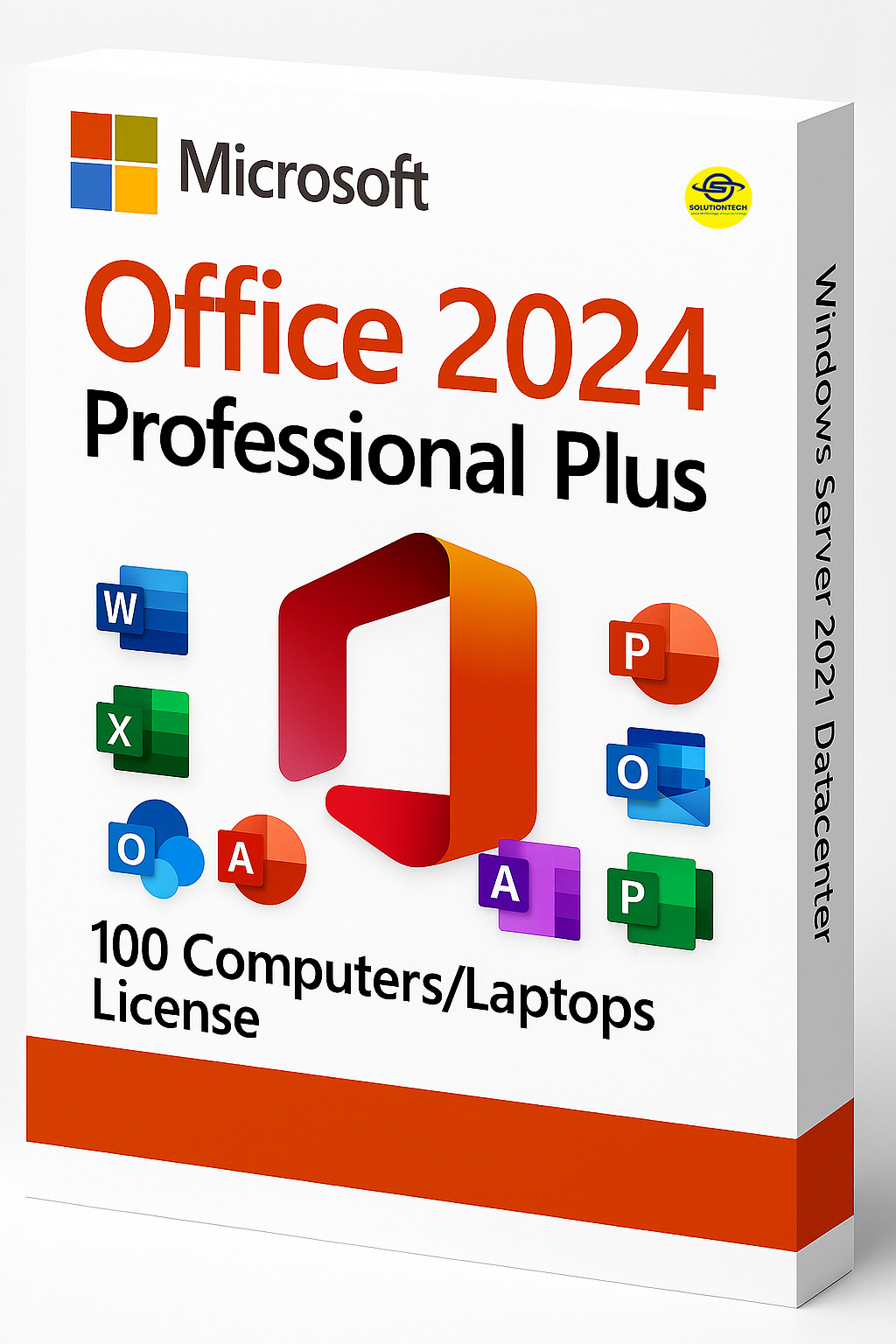
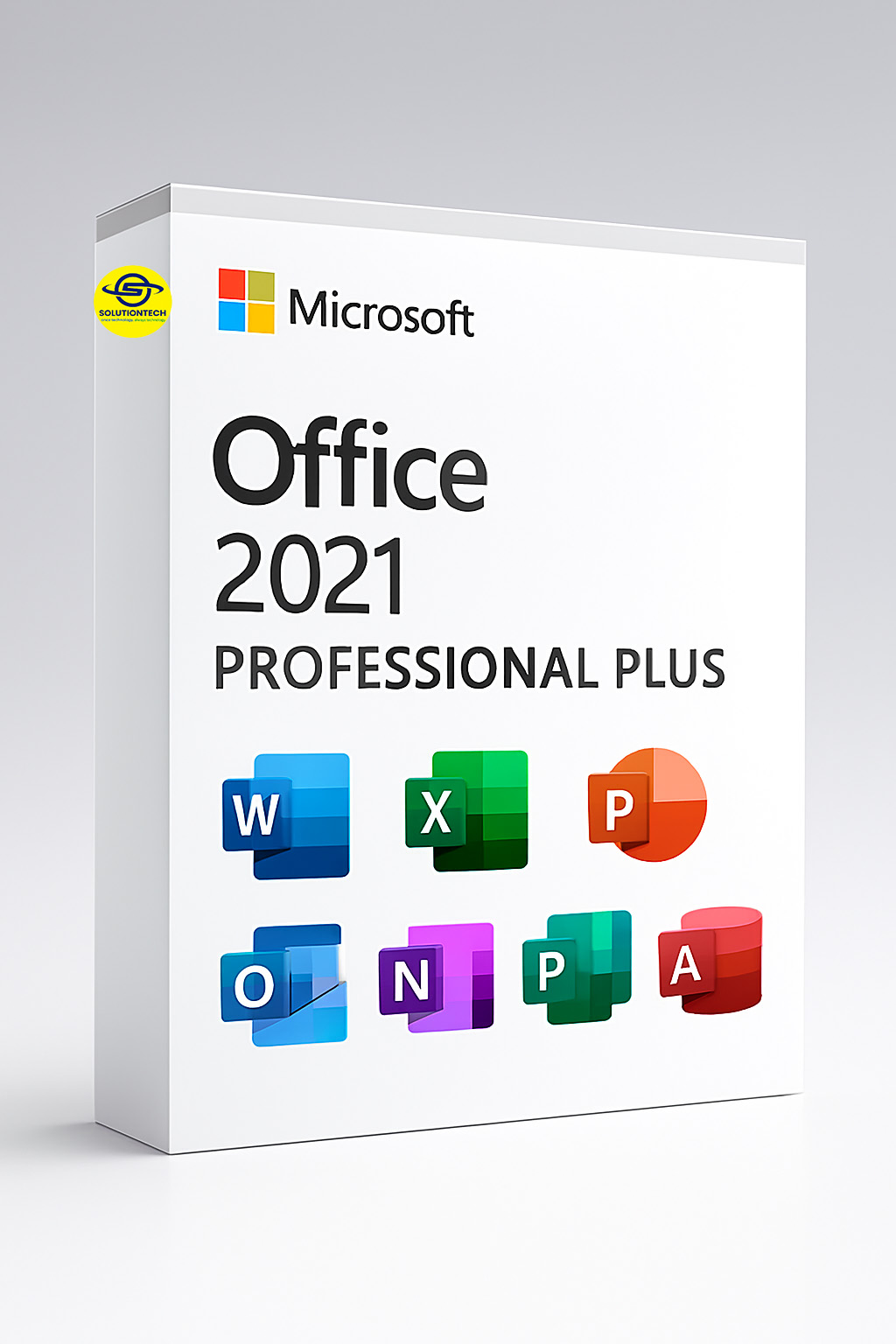
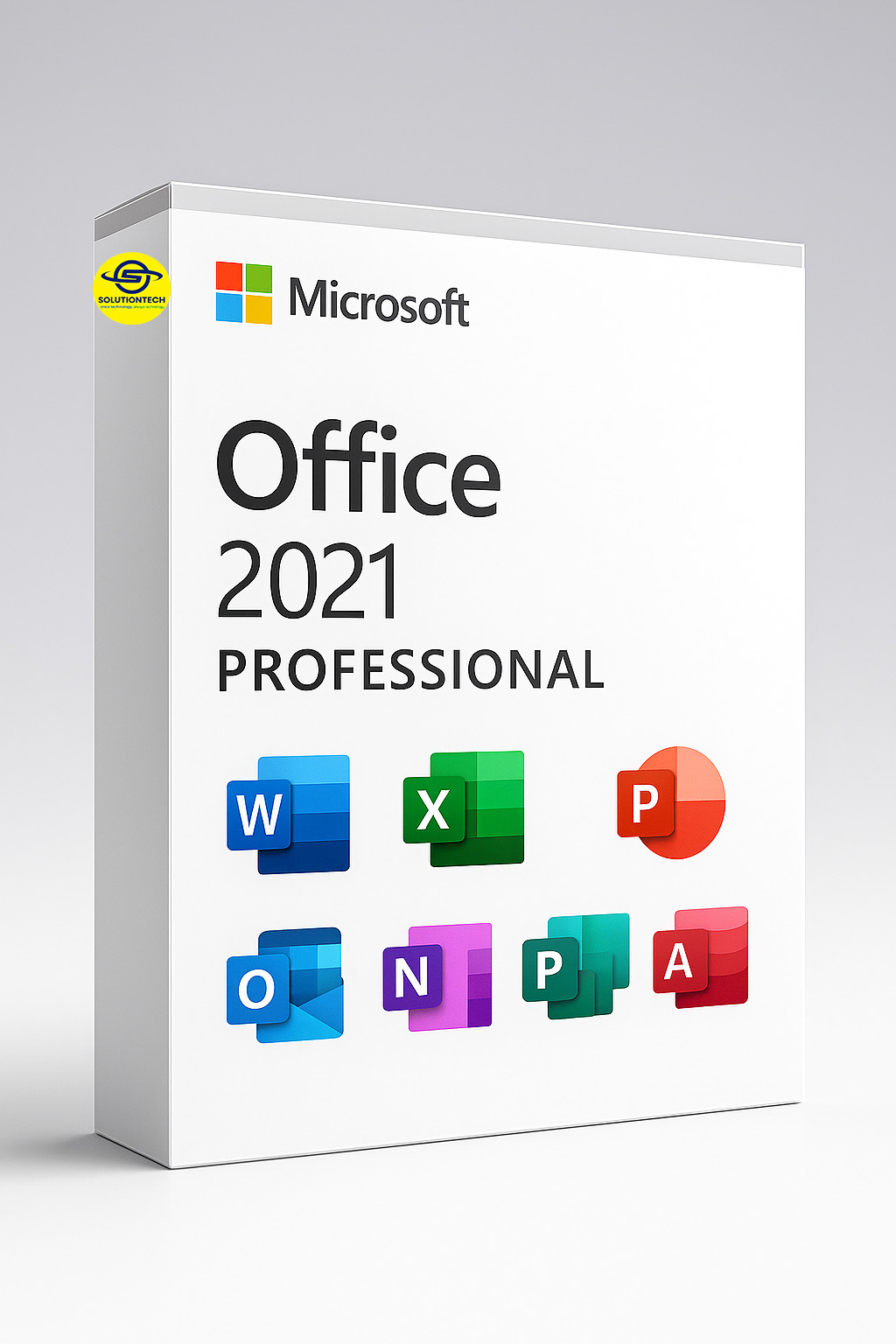
Office 2021
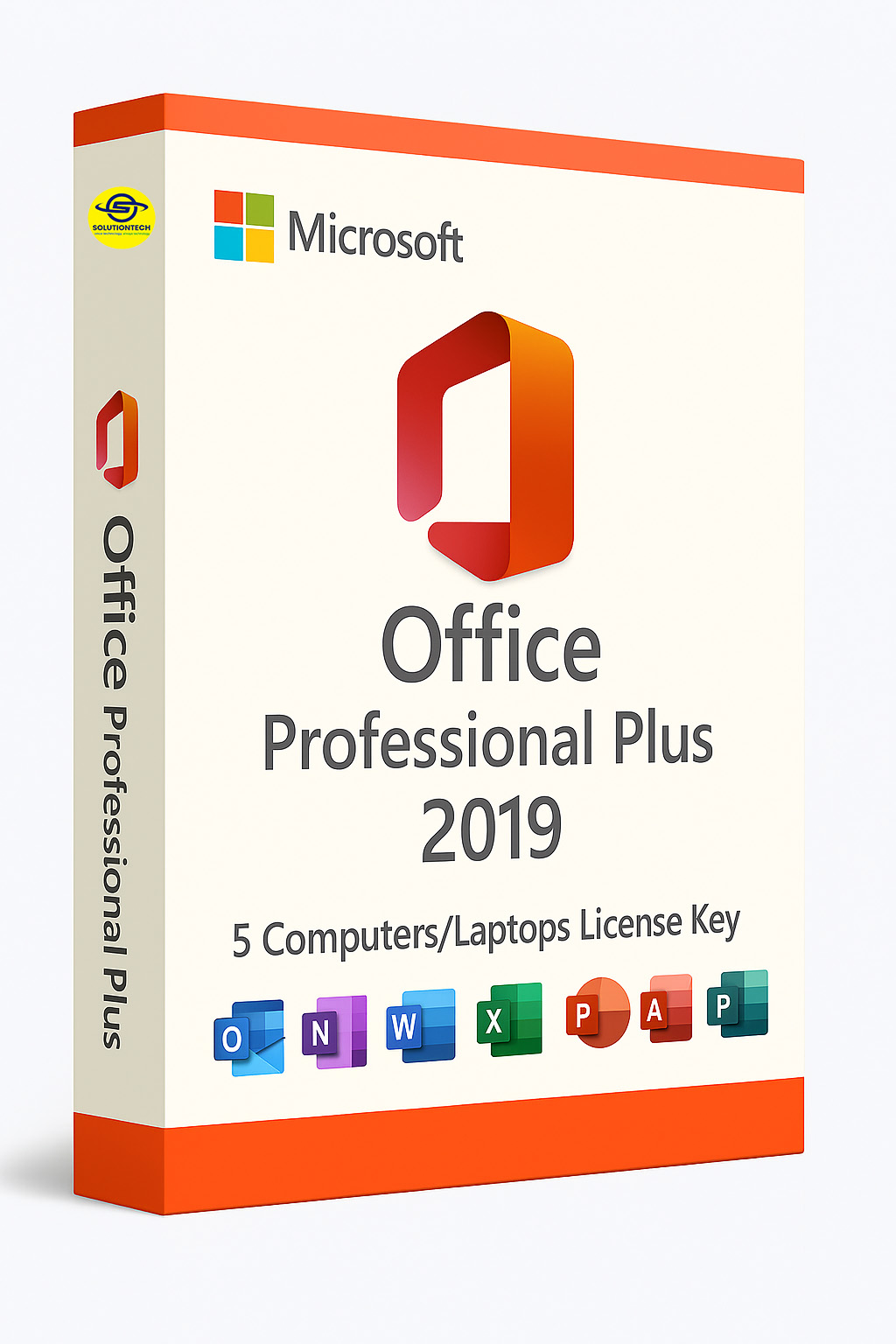
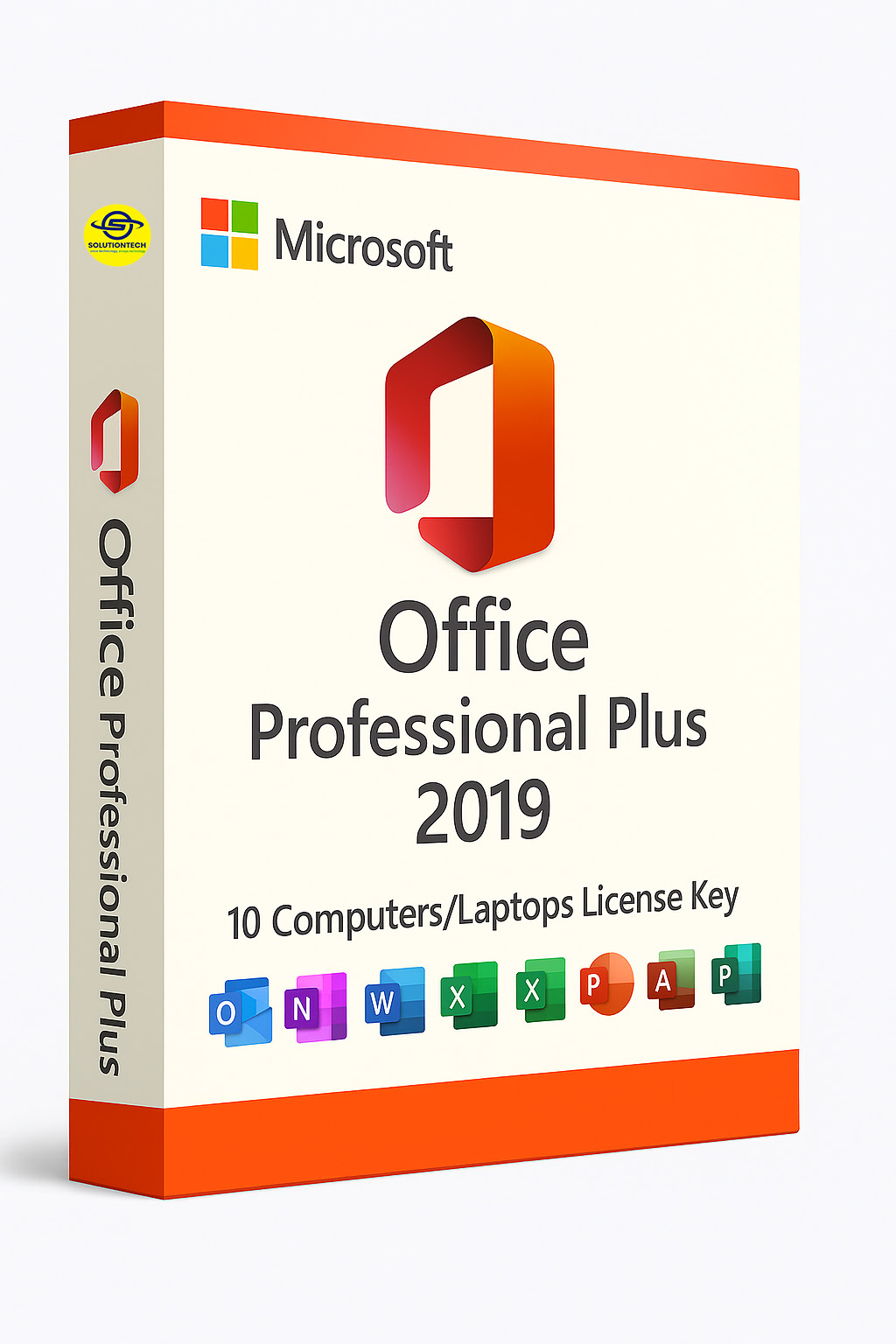
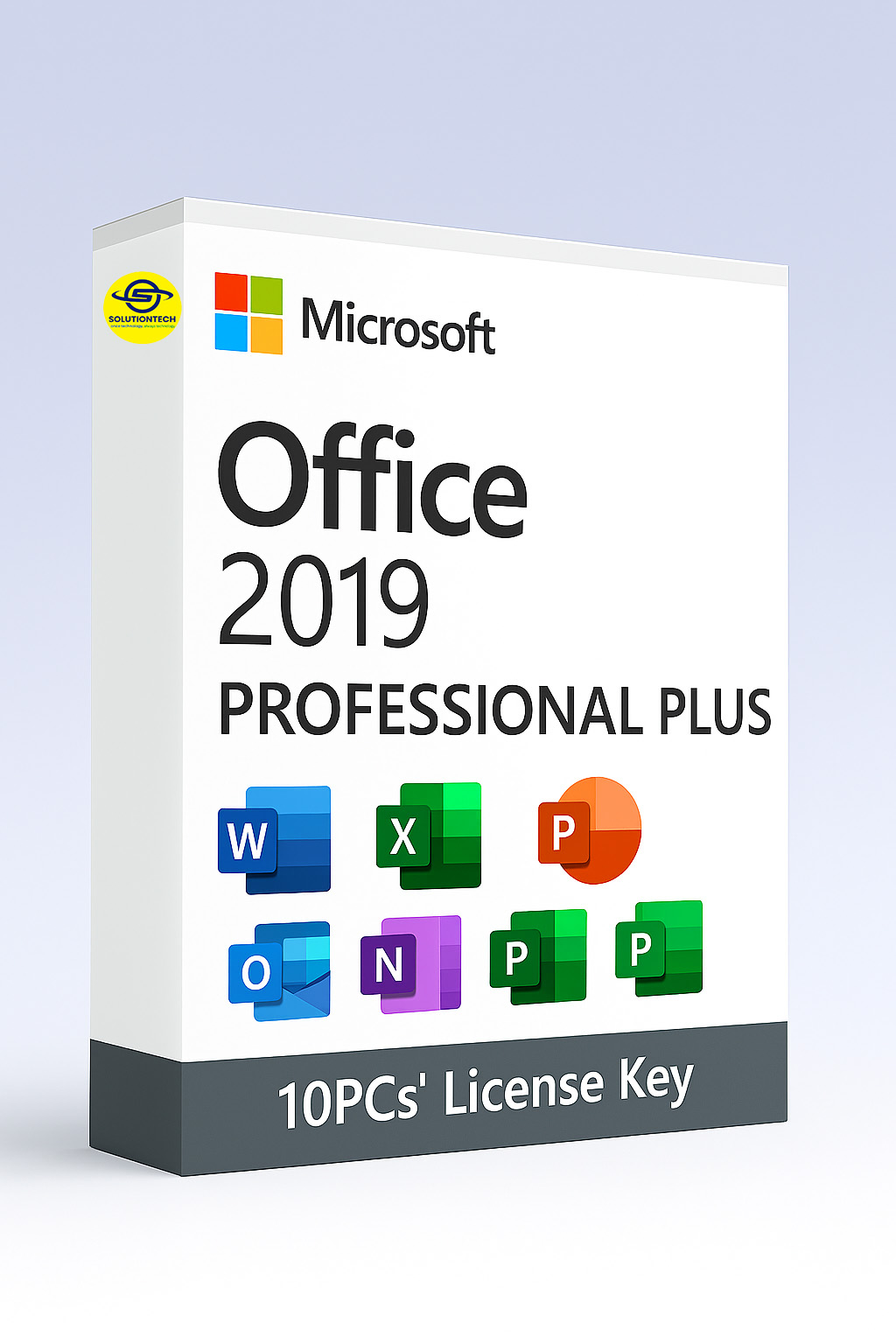
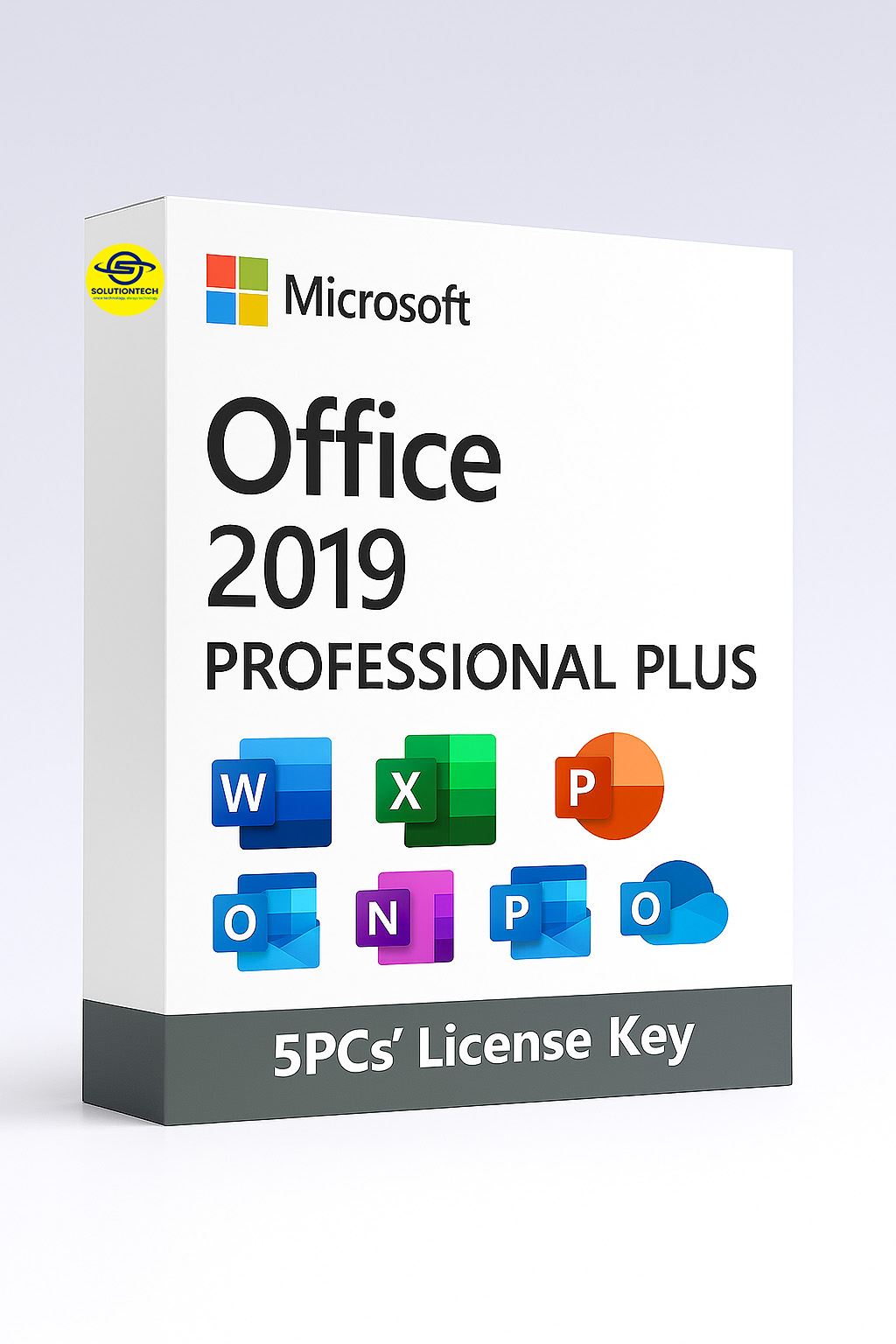
Microsoft
Office 2019
Why Microsoft Office 2024
Microsoft Office 2024 is designed to meet the evolving needs of modern professionals, educators, and businesses with a suite of powerful upgrades. Here’s why it stands out:
- Smarter Workflows with AI Integration
- Modern, Unified Design
- Excel Gets Even More Powerful
- Improved Accessibility & Recovery
- Access & Project Enhancements
- No Subscription Required
Office 2024 introduces enhanced artificial intelligence across Word, Excel, PowerPoint, and Outlook. Expect predictive text, intelligent data analysis, and contextual suggestions that streamline your tasks.
A refreshed interface brings consistency across all apps, improving usability and visual clarity. It’s optimized for both desktop and mobile platforms.
New functions and formulas make data manipulation faster and more intuitive. Ideal for analysts, accountants, and anyone working with large datasets.
Word now offers better session recovery and enhanced accessibility features, making it easier for everyone to stay productive
For commercial users, Office LTSC 2024 includes new capabilities in Access and Project, tailored for enterprise-grade database and project management.
Office 2024 is a one-time purchase, perfect for users who prefer traditional licensing over cloud-based subscriptions
Why Microsoft Office 2021
Here’s why Microsoft Office 2021 remains a strong choice for professionals, students, and businesses who prefer a one-time purchase over a subscription model:
- One-Time Purchase, Lifetime Use
- Enhanced Collaboration Tools
- Streamlined Performance & Interface
- New Features in Core Apps
- Offline Access & Privacy
- Great for Hybrid Work & Education
Unlike Microsoft 365, Office 2021 is a perpetual license — pay once, use forever. Ideal for users who prefer not to commit to ongoing subscriptions.
Real-time co-authoring in Word, Excel, and PowerPoint lets multiple users work on the same document simultaneously, improving team productivity.
Office 2021 features a refreshed, simplified ribbon interface and improved performance across all apps, making it faster and more intuitive to use
- Excel
- : Adds dynamic arrays, XLOOKUP, and LET functions for more powerful data analysis.
- PowerPoint: Includes improved inking tools, new content types, and enhanced slide transitions.
- Outlook: Better search functionality and translation tools for multilingual communication.
All apps work offline, and your data stays on your device — a plus for users with strict privacy or connectivity requirements
With improved OneDrive integration and cross-device compatibility, Office 2021 supports flexible work and learning environments
Why Microsoft Office 2019
Microsoft Office 2019 remains a reliable and feature-rich productivity suite for users who prefer a one-time purchase over cloud-based subscriptions. Here’s why it still holds value:
- One-Time Purchase, No Subscription
- Core Productivity Apps Included
- Improved Features Across the Suite
- Enhanced Security & Privacy
- Offline Reliability
- Stable Platform for Long-Term Use
Office 2019 is ideal for users who want to avoid recurring fees. You pay once and own the license permanently
It includes Word, Excel, PowerPoint, Outlook, and for some editions, Access and Publisher — all optimized for offline use
- Excel
- : Introduced new functions like TEXTJOIN, CONCAT, IFS, and SWITCH, plus enhanced PowerQuery and PowerPivot tools.
- PowerPoint: Added Morph transition and Zoom for dynamic presentations.
- Word: Improved inking features and learning tools for better accessibility
Office 2019 offers better data protection and privacy controls, making it a solid choice for businesses and institutions with strict compliance needs
All apps work fully offline, which is perfect for users in areas with limited internet access or those who prioritize local data control
While support ends October 14, 2025, Office 2019 remains a dependable option for users who don’t need frequent feature updates
Microsoft Office 2024 product key
Enhance your work performance with Microsoft Office 2024. This latest version of the productivity software suite is not just an upgrade; it features improved tools, advanced cloud services, and sophisticated collaboration capabilities.
Microsoft Office 2024 can be effectively used both at home and in the office, offering essential applications such as Word, Excel, PowerPoint, and Outlook, among others. Also, Its design focuses on improving business efficiency, team collaboration, security, and incorporating various AI features across all devices and operating systems.
To access the premium features of Microsoft Office 2024 and verify the authenticity of your software copy, a product key is required. Additionally, a product key consists of a 25-character alphanumeric code formatted like this: XXXXX-XXXXX-XXXXX-XXXXX-XXXXX.
Key Features of Microsoft Office 2024
- Effortless Teamwork: Multiple users can edit a document simultaneously, thanks to the co-authoring capabilities that permit everyone to work together in real-time.
- Tools Infused with AI: Eliminate the painstaking aspect of tasks and make use of advanced technology’s intuitive help, insight about data, as well as formatting done for your services.
- Improved UI: Benefit from the well-designed contemporary interface that eases browsing and usage in all the applications.
- Cloud Integration: Access your files wherever you are and write, whether on the devices or at home, with the support of additional storage in the cloud.
What is new in office 2024?
We are happy to present our most recent article showcasing all the new features and improvements in Microsoft Office 2024. If you want to increase your work efficiency, improve teamwork or just optimize your business processes- there are solutions for everybody.
Take a look at it here: What is new in office 2024?
Versions of Office 2024
Are you looking for the cheapest or a dependable and authentic version of Microsoft Office 2024? As one of the pillars in the software 2024 market, we have two alternatives on this product page to assist you in acquiring software that best suits your preferences. Each of these versions has a distinct Microsoft Office 2024 product key, so you will have a copied version of this software for activation purposes.
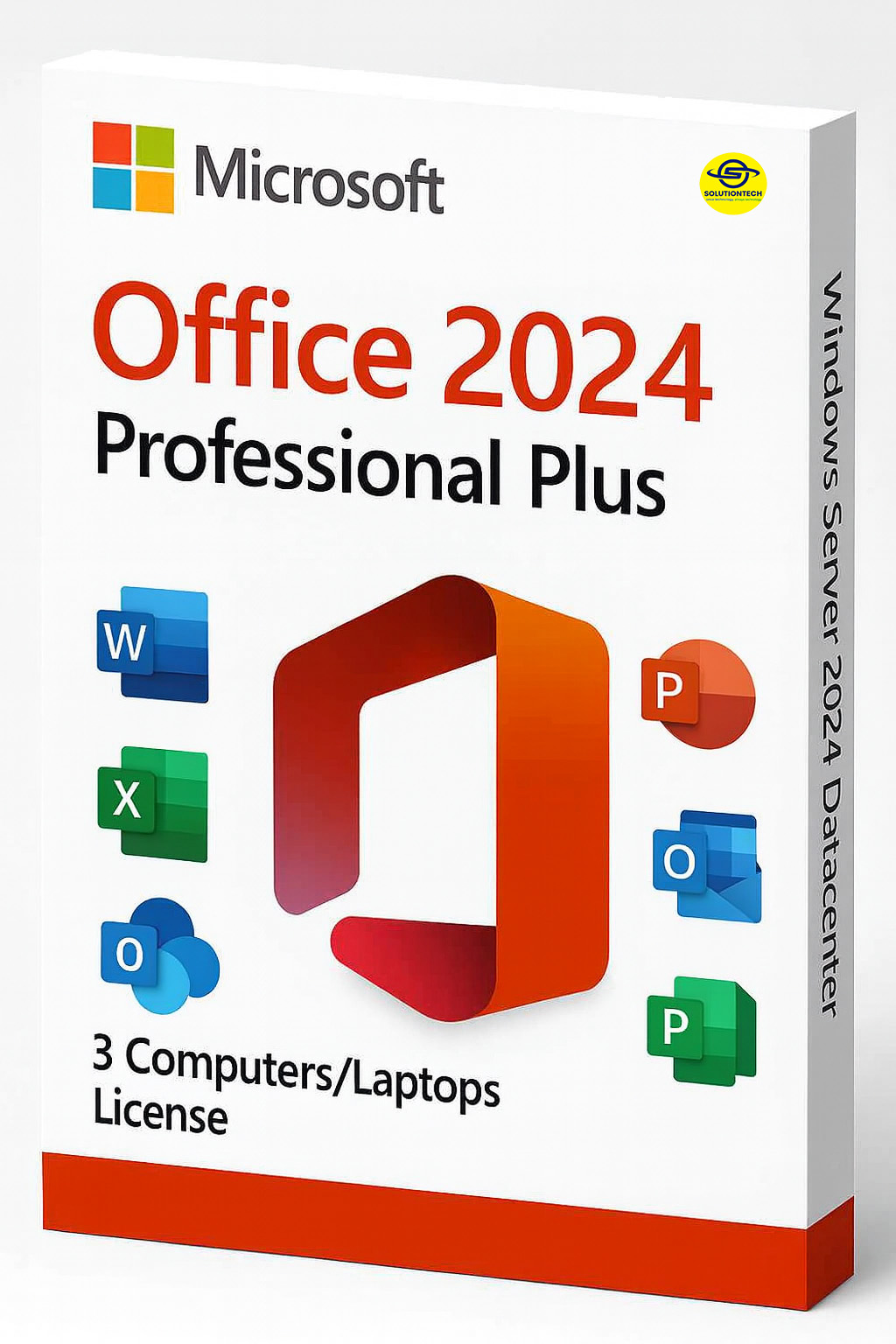
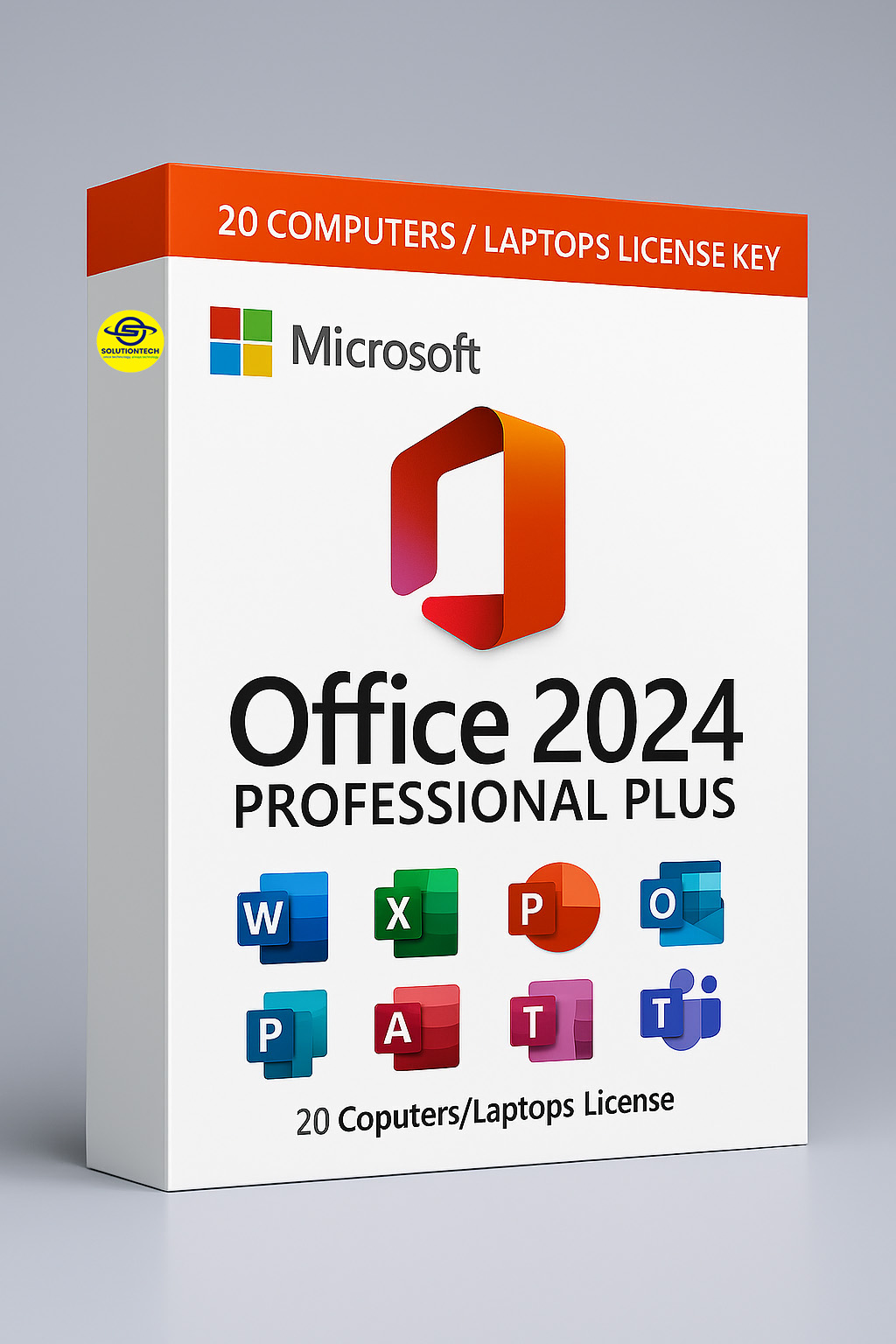
Microsoft Office 2024 Professional Plus
Microsoft Office Professional Plus 2024 is the ideal business management tool for every organization and professional. Additionally, It’s a complete suite of applications designed for creating documents, analyzing data, making presentations, and managing emails and databases.
Applications
- Word: Enhanced AI capabilities for content generation, offering formatting help as well as enabling editing side by side.
- Excel: Microsoft Office 2024 features enhanced data analytics with new formulas and better connectivity via Power Query and Power Pivot, making it essential for productivity.
- PowerPoint: New presentation development tools, smart motion effects and fresh examples of attractive presentations.
- Outlook: Enhanced user management products, focused email features, and more complex scheduling capabilities.
- Access: Enhanced database authoing utilities and better interoperability with other Office programs.
Key Features
- As for the finishing tools, co-authoring in Word and PowerPoint is done in real-time. Also, Better sharing and commenting capabilities between different applications.
- AI Integration: AI-based recommendations and insights and other features across the platforms to improve productivity.
- Cloud Connectivity: Easy integration with OneDrive for storage, backup, and sharing of files. Additionally, Cloud support facilitates file access irrespective of the location.
- Ease of use: New and more user-friendly navigation and accessibility interface. Moreover, Modifiable heights of ribbon for easy work per individual’s activities flow.
- Security Features: Stronger precautions against the misuse of confidential information.
Microsoft Office 2024 Home and Student
Microsoft Office 2024 Home and Student caters specifically to students and households with all necessary components for school and home purposes, respectively. Moreover, The program includes a set of applications that are helpful in studying, arranging activities, and communicating.
Applications
- Word: Advanced software used for processing text documents, which involves creating, editing and sharing documents with other users. However, It contains templates and formatting options designed for students.
- PowerPoint: A computer program utilized for making a presentation, containing user-friendly features like templates, animations and other necessary tools to make a presentation vivid.
- OneNote: A software used to capture information in the form of notes and store it in an electronic binder divided into tabs such as folders for class notes, ideas, research, etc.
Key Features
- Interactivity: Basic sharing options for group projects and collaborative assignments. However, the possibility of using OneDrive allows fast solutions for file storage and sharing.
- Education Over Everything: Edu supports components and features that provide efficient learning and academic activities.
- Value for Money: Subscriptions can be bought outright hence students and families will find it economically favorable.
Why Use a Genuine Microsoft Office 2024 Product Key?
- Access to Updates: Stay up-to-date with the latest features and security patches.
- Premium Support: Get support from Microsoft for troubleshooting and technical issues.
- Legal Protection: Avoid risks associated with counterfeit or unauthorized software.
- Enhanced Performance: Genuine software performs better and is optimized for your device.
System Requirements
- Operating System: Either Windows 10 (version 20H2 or later) or Windows 11
- Processor: Dual-core processor, speed of 1.6 GHz or higher
- RAM: 4 GB (for 32-bit OS) or 8 GB (for 64-bit OS)
- Hard Disk Space: At least 4 GB of free space
- Display: 1280 x 768 resolution
- Graphics: Graphics devices that support DirectX 10 API
- Internet: An active internet connection is needed to use the internet functionality
Why Upgrade?
Upgrading to Microsoft Office 2024 provides the latest productivity tools, ensures compatibility with updated file formats, and meets current security standards. However, It’s ideal for tasks like data modeling, creating graphs, and managing emails.
Moreover, do not find yourself lagging behind in this new technological epoch. Rather, prepare yourself to revolutionise the manner in which you execute your work with Microsoft Office 2024. After all, this is how you are going to embark on your new productive journey.
Microsoft Licensing Solutions
Designed to resonate with PNG businesses and reinforce trust, clarity, and professionalism:
Boost Your ICT Capacity — Locally Licensed, Globally Trusted
Get Licensed. Stay Compliant